 Status View (Studio Button Bar)


Tap the Status View button to toggle the display state of the Status View.
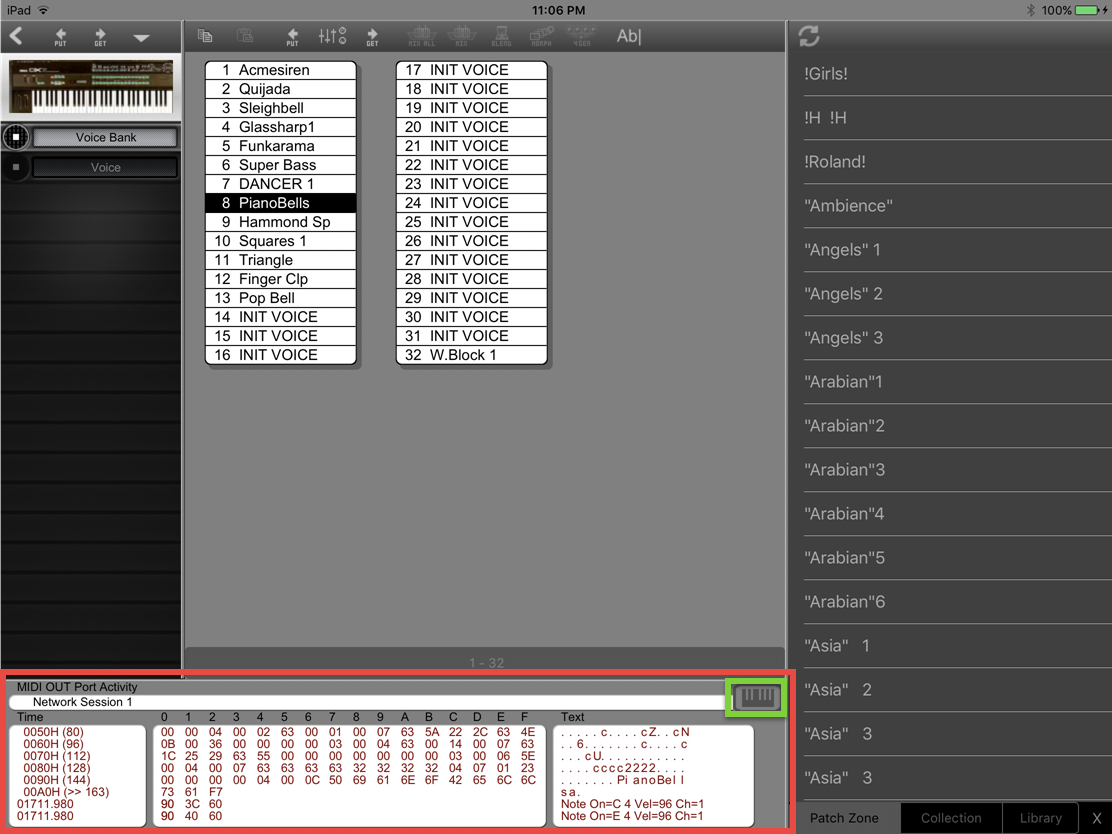
The Status View includes two possible sub-views: the Monitor View and the Keyboard View.
The Monitor View shows MIDI events being sent from and to Midi Quest. It also displays program feedback and errors messages which aren't displayed directly as they would interfere with program flow.
The Keyboard View shows a keyboard which can be used to generate MIDI note on and note off events.
If the Status View is closed, it can also be opened by edge sliding a finger up from the bottom edge of the screen.
If the Status View is open, it can be closed by performing a two finger down swipe in the view.
See the Status view for more information
Available in: all Midi Quest versions